This is a post I have started to write several times already. First time 2017, then again in 2019 and 2020. I do not remember what was the drama then. Each time I procrastinated and thought things are not that bad yet.
Leaving all politics a side, this is not the way the Internet was supposed to be.
“The first truth is that the liberty of a democracy is not safe if the people tolerate the growth of private power to a point where it becomes stronger than their democratic state itself. That, in its essence, is fascism – ownership of government by an individual, by a group, or by any other controlling private power.”
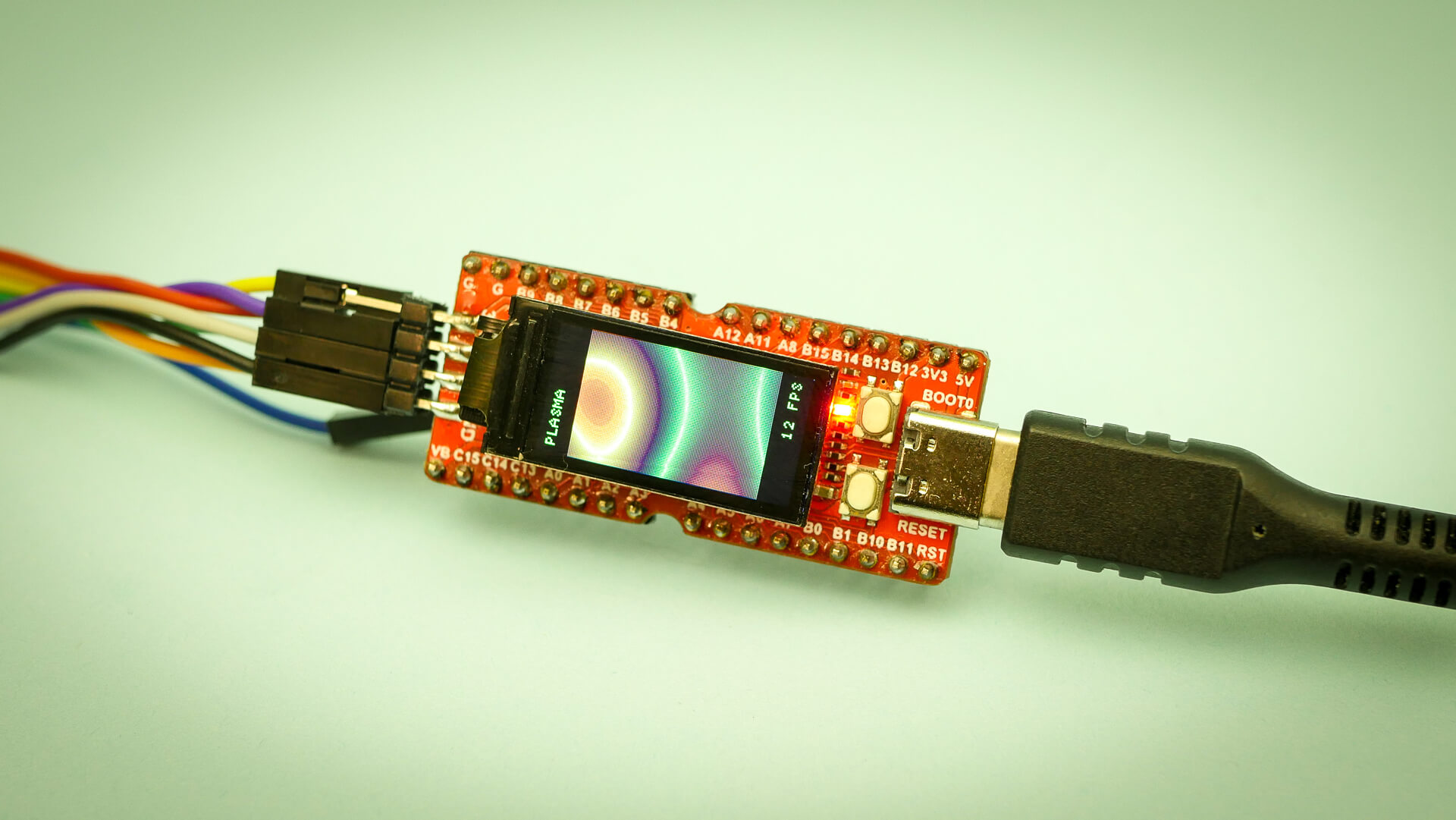
RISC-V is gaining traction and some development boards have already popped up. One of them is the widely available Sipeed Longan Nano. Written information is a bit sparse at the moment. Let’s try to fix this with a quick writeup on wiring and programming the board. If you just want to see what the board can do here is a video instead.
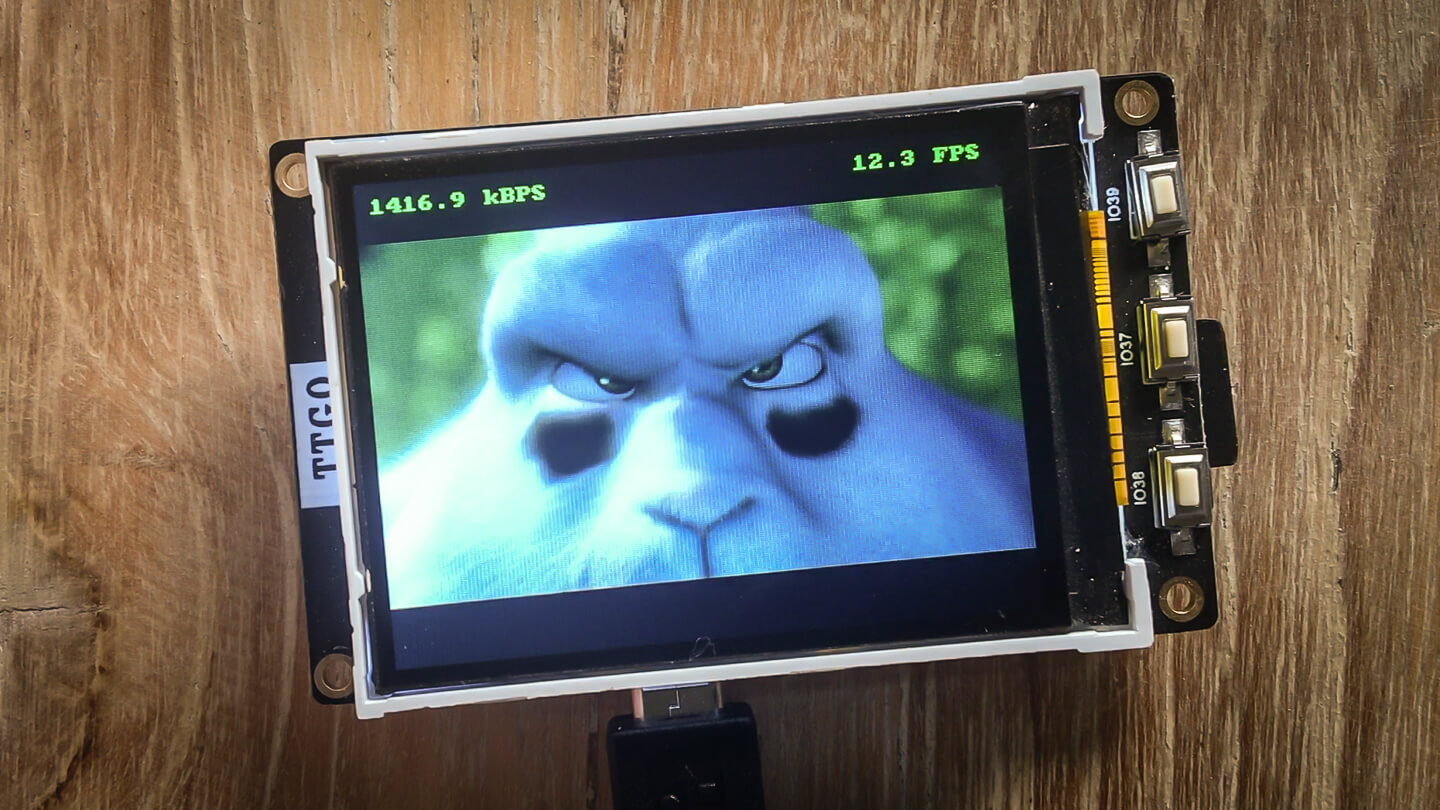
One of the things which makes embedded programming so interesting is that you are constantly dealing with restricted resources. Playing video files is quite resource heavy. Let’s see how ESP32 can handle this. If you have short attention span here is a video instead.
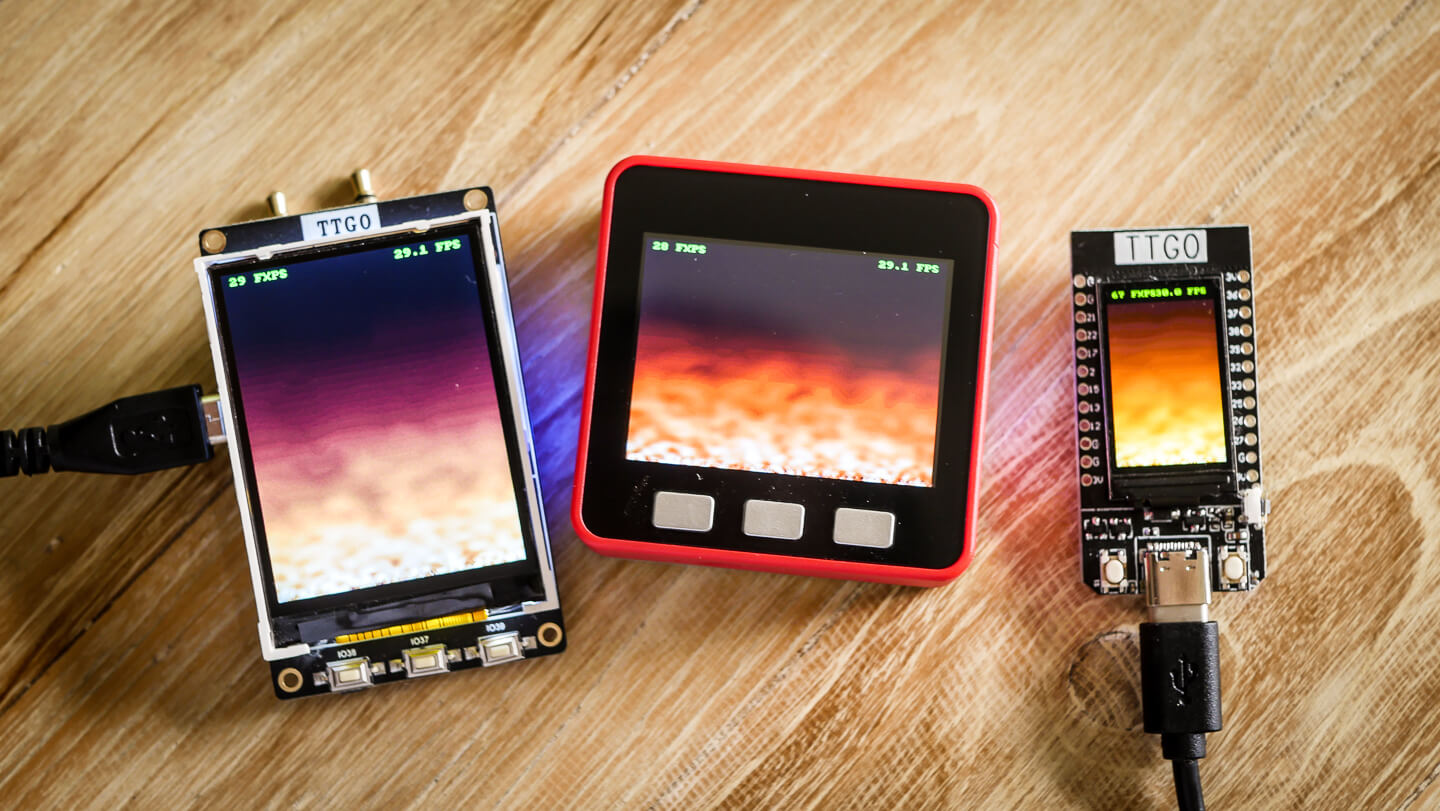
What started as a project to learn C, I have now been using in all my hobby projects. HAGL is a hardware agnostic graphics library for embedded projects. It supports basic geometric primitives, bitmaps, blitting, fixed width fonts and an optional framebuffer.
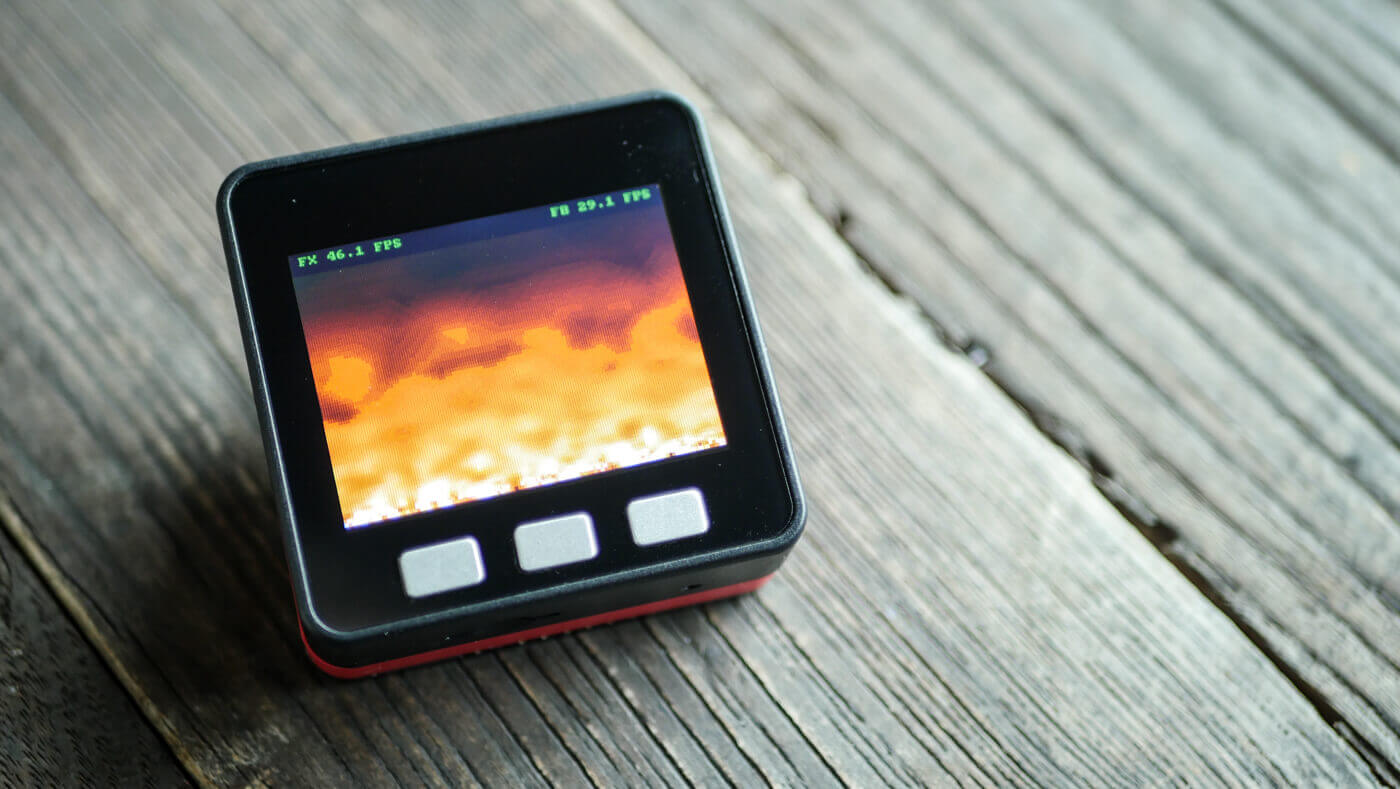
My life has come to a full circle. I remember sitting in my parents basement in the late 90’s programming the fire effect using mixture of Borland Turbo Pascal and Assembler. I had an Intel 80386 which also had the 80387 coprocessor. I remember downloading Lode’s graphics tutorials from FidoNet. It was all magic.
Last week I found myself reading the same tutorials and creating the same fire effect again. Instead of Intel PC, it was written for ESP32 based M5Stack and using C programming language.
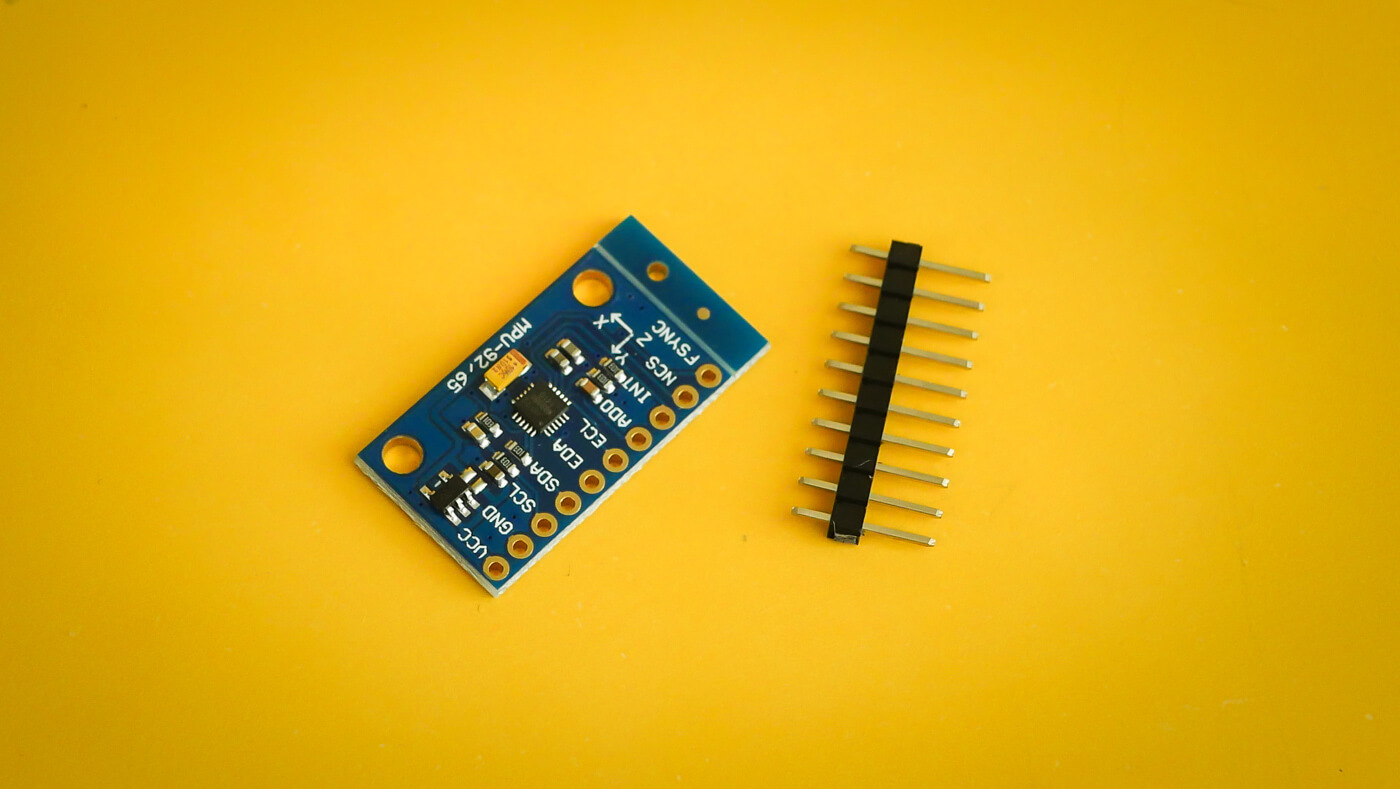
Magnetometers are used to measure the strength of a magnetic field. They can also be used to determine orientation and to compensate gyro drift. Magnetometer provides the last three degrees of freedom in 9DOF sensors.
There is one problem though, magnetometers are prone to distortion.
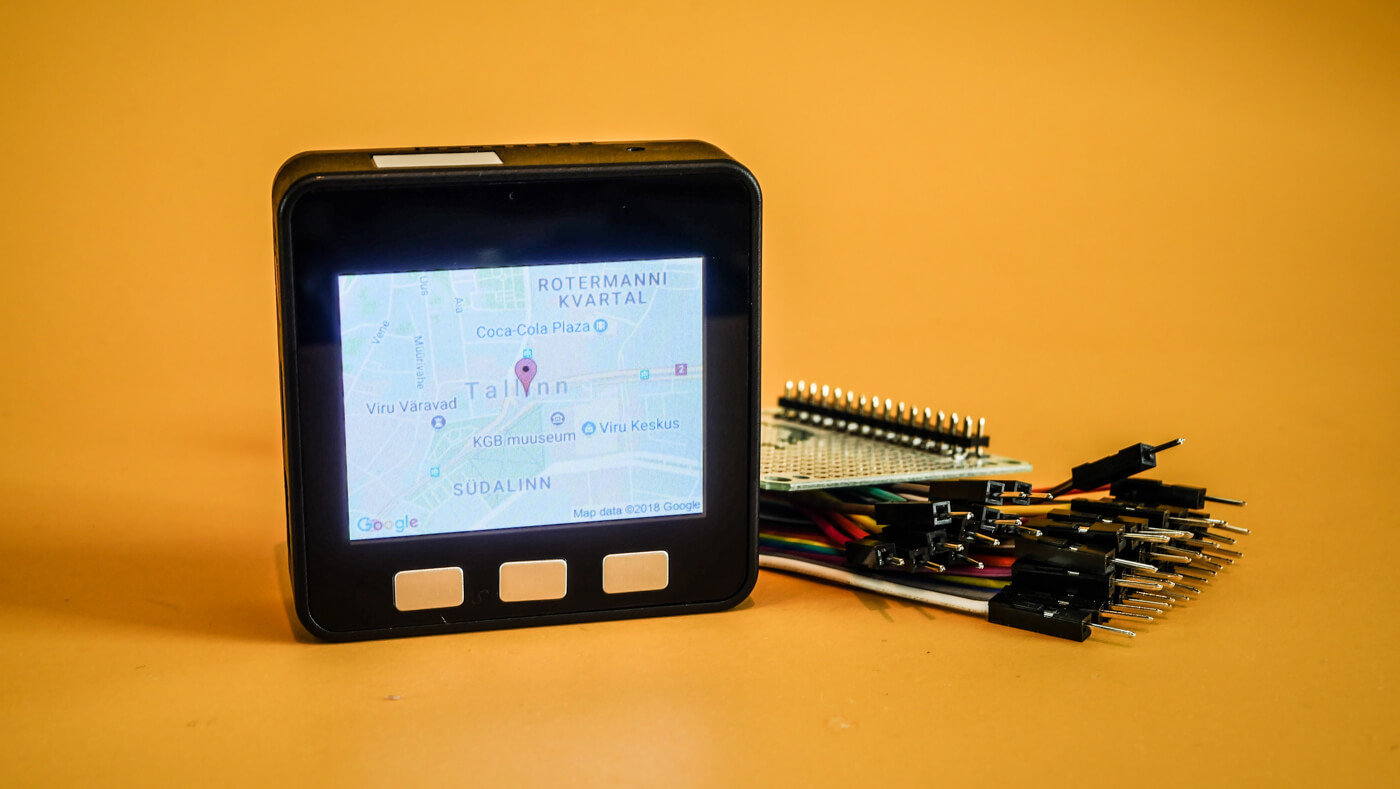
While evaluating M5Stack for a sidehustle project I created a proof of concept which needed to access wifi network, query an API and download an image. Wifi geolocation which displays a static Google map seemed like a perfect fit. Here are some notes about it.
M5Stack is an absolutely beautiful ESP32 based enclosure and development board. It has 320x240 TFT screen, three buttons, sd card slot, Grove I2C connector and can be powered with LiPo battery.
Download the Micropython Firmware
You could download the MicroPython firmware from the downloads page. But why bother when we have the commandline. First find the download link.
WiPy is a bit pricey but good quality ESP32
development board from Pycom. I got mine from
Pimoroni. Pycom does offer
their own firmware updater but for my taste it has too much magic going on. I
prefer to do things from commandline and I stay in control and to see exactly
what update is doing. Quick Googling did not reveal anything so here is my upgrade
procedure.
Download the Latest Pycom Firmware
For starters we need to find the latest Pycom firmware. Links can be found
from their forums. Or you can just query the filename from their software
update service.
Branca is a catchy name for IETF XChaCha20-Poly1305 AEAD message with an additional version number and timestamp. It is well suited to be used as an authenticated and encrypted API token. Branca specification does not specify the payload format. Among others you can use for example JWT payloads but still have modern encryption and smaller token size provided by Branca.